
Choosing a laptop storage size by gut feeling is a quick route to regret. A recent guide built around Turkish manufacturer Casper's laptop configurations breaks the decision down by real workload instead of a one-size-fits-all rule — and the logic holds whether you're buying at home or picking a machine to travel with.
The baseline recommendation: for everyday tasks like web browsing, office apps, online learning and a moderate personal archive, a 512 GB SSD is a sensible starting point. A cloud-first user who keeps documents online and installs only a handful of apps can squeeze by on 256 GB, but it demands constant file management and little room to grow. On the other end, gamers, video editors, developers running virtual machines, or anyone juggling large project files should look at 1 TB, 2 TB or beyond.
The guide's key warning is that a drive sized exactly to your current files will feel cramped sooner than expected. Windows itself, updates, recovery data and temporary files quietly eat a chunk of any advertised capacity — so add a realistic growth margin before you buy. The suggested method is simple: check how much space your current machine actually uses, add the apps and files you'll migrate, then round up. If your estimate creeps toward 250 GB, go for 512 GB; if it approaches 500 GB, jump to 1 TB.
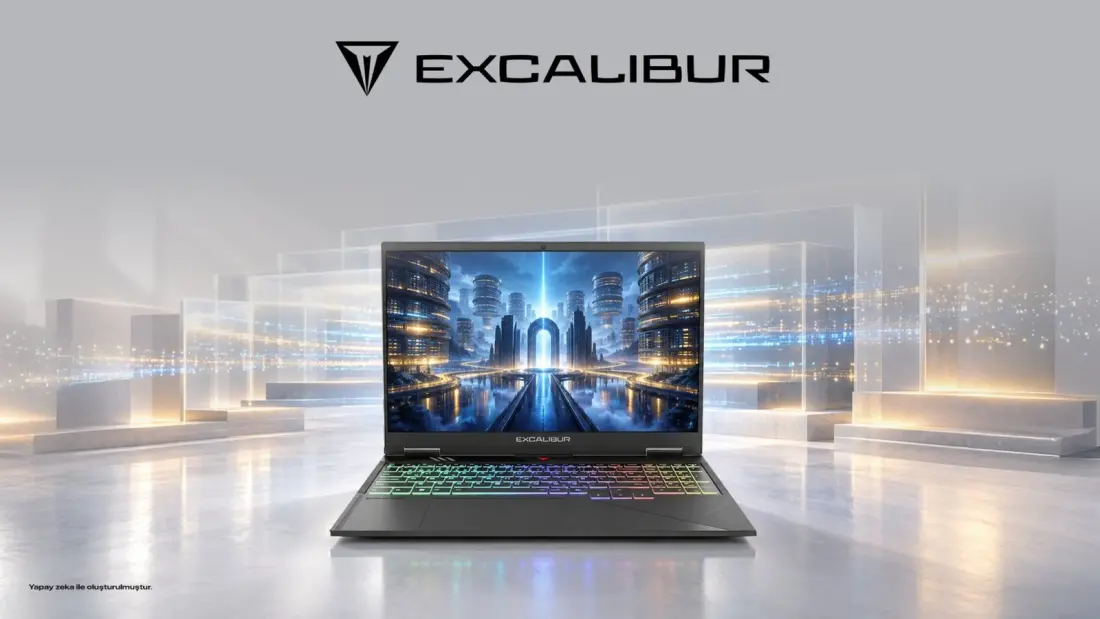
Concrete examples show how this plays out in real products. Casper's Nirvana S100, a general-purpose laptop, can be configured with up to a 2 TB M.2 SSD — aimed at people keeping large local archives or professional project files, though lighter users won't need it. For gaming, the Excalibur G915 offers configurable M.2 SSD options, since modern games, texture packs, updates and capture footage pile up fast; 1 TB is called a practical starting point for anyone keeping several titles installed. At the extreme, one Excalibur G920 configuration pairs two 2 TB drives for 4 TB of internal storage — useful for serious content production, overkill for most people.
Two further points are worth flagging. First, don't confuse RAM with storage: memory affects how many things run smoothly at once, while SSD capacity determines how much you can keep. Upgrading one does not substitute for the other. Second, capacity is not backup — however large your internal drive, important data should live in a separate, reliably backed-up location. Anyone planning a future SSD upgrade should also verify the exact product code, supported interface and available slots rather than assuming all variants of a model are identical.
For travellers and remote workers, the takeaway is straightforward. If your machine is mostly a portal to cloud services, 256 GB can work. If you carry offline media, course materials, photo libraries or device backups on the road, 512 GB spares you the hassle of external drives on every trip. Content creators working from anywhere should budget 1 TB or more — and keep an archive copy elsewhere regardless.