
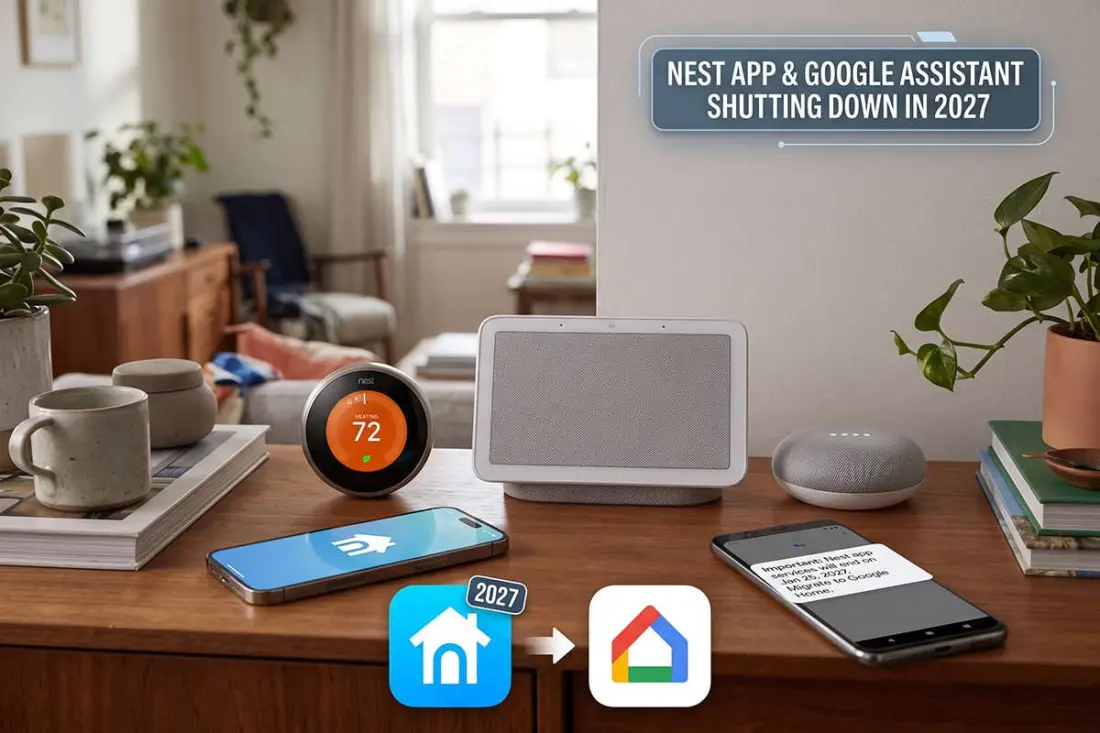
Two dates to circle if you use Google's smart home gear: January 25, 2027, when the Nest app shuts down for good, and August 2 of that year, when Google Assistant disappears from smart speakers and displays. From then on, everything lives in the Google Home app, with Gemini for Home taking over voice duties under what the company calls a "One Voice Experience".
The move is part of a wider phase-out. Google began swapping Assistant for Gemini on Android phones from September 2026, and started trials of Gemini for Home in late 2025. By forcing everyone onto one platform, the company says it can focus its engineering, security work and new features in a single place instead of maintaining ageing legacy systems.
Good news first: your hardware isn't becoming e-waste. Thermostats, security cameras, doorbells, smoke alarms and smart locks all remain supported, and they'll sit alongside any "Works with Google Home" or Matter-certified gadgets inside the Home app. You can still control things through iOS and Android widgets, the Android Home Panel, and the Google Home web portal.
There are two practical catches before the switch. Video clips and history stored on home.nest.com won't transfer automatically, so you'll need to download anything you want to keep before January 25, 2027 — Google has added a one-click bulk download button to make that less painful. On the money side, anyone on the first-generation Nest Aware subscription will be moved to Google Home Premium automatically, at no extra cost and without re-entering card details. Expect an email with instructions closer to the date.
The voice change is arguably the bigger deal day-to-day. Gemini handles natural speech far better than the old Assistant, which often demanded precise phrasing. You can pause mid-sentence, change your mind halfway through a request, and string together follow-up questions using conversational context. Third-party speakers are included too — Google has confirmed via Reddit that brands like Sonos will get the Gemini upgrade in future — though observers caution that older hardware may struggle with the processing and memory demands as the August 2027 deadline arrives.
You don't have to wait for the cut-off dates. To switch now, open the latest Google Home app, tap the profile icon in the top right, go to Home Settings, and hit "Get Started" on the "Set up Gemini for Home" banner. Alternatively, set it up in a browser at home.google.com/gemini.
Why is this on a travel site? Because a lot of us run our homes remotely while we're away — checking doorbell cameras, adjusting thermostats and watching for package deliveries from a beach on the other side of the world. If that's you, the takeaway is simple: get comfortable with the Google Home app now, back up any saved camera footage you care about, and don't assume your voice routines will carry over untouched. A few minutes of prep before your next trip beats discovering mid-holiday that your security clips are gone or your speaker has gone quiet.