
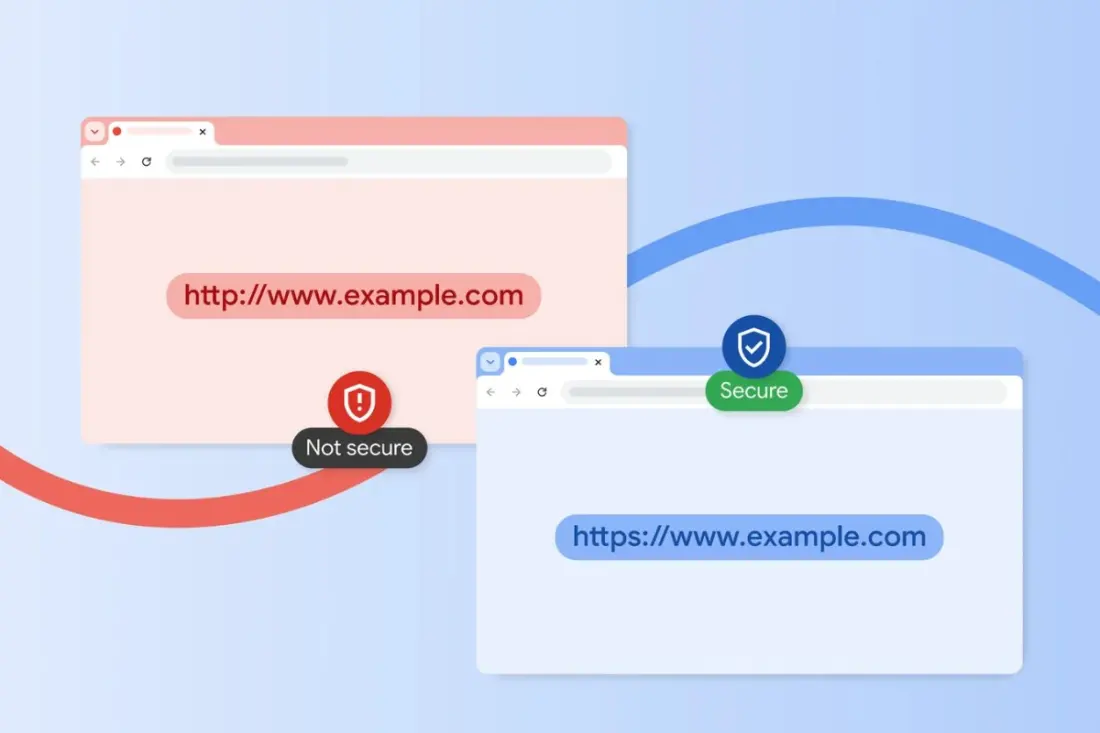
Scrolling through hotel deals on dodgy airport Wi-Fi? Google has quietly rolled out a batch of new Chrome security features that could save you from exactly the kind of scam travellers stumble into most.
The headline change is a smarter warning system for risky websites. Until now, Chrome treated every suspect site the same way: a full-screen red alert. Under the updated Enhanced Protection mode, warnings now come in two flavours. Sites flagged as merely suspicious — where Google has moderate confidence something shady is going on — trigger a lighter, less intrusive warning with its own design and messaging. Confirmed dangerous sites still get the full-screen red block. The idea is to catch more borderline threats without nagging you every time you open a quirky guesthouse booking page.
The bigger shift is AI. Google has added a server-side version of its Gemini model to scan for scams, building on on-device testing that began in 2025. The cloud model analyses webpage content, checks which brand a page appears to be impersonating, and weighs the page's likely purpose to estimate scam probability. That then feeds into Safe Browsing alongside the domain's reputation before a verdict. Google says this targets increasingly common frauds like fake antivirus pages and bogus "update your browser" pop-ups — the sort of thing that tends to appear at the worst moments, like when you're rushing to print a boarding pass. On privacy, the company says webpage text is only sent for analysis when warning signs are detected, processed temporarily, and never stored or used for AI training.
There's also new protection against ClickFix attacks, a social engineering trick where scammers convince you to copy and paste a command into your computer — usually dressed up as a fix for a frozen screen or a software update. These attacks often abuse legitimate system tools (so-called LOLBins) to sneak malware past conventional checks. With Enhanced Protection on, Chrome strips personally identifiable information from suspicious clipboard commands and sends them to Safe Browsing for analysis. If the script turns out to be malicious, you get an immediate alert.
Switching it on takes about a minute: Chrome Settings, then Privacy and security, then Security, then flip from Standard to Enhanced Protection. The trade-off is that your browser checks links, downloads and sites against Google's cloud and AI systems in real time.
Why should a traveller care? Tourists are prime targets for phishing — fake airline refund pages, cloned booking sites, urgent "your flight is cancelled" emails. Google claims Enhanced Protection users can be up to ten times better protected against phishing and online scams. For anyone who books travel, manages accounts or works from the road, that's a cheap, meaningful upgrade. It won't replace common sense — check URLs, skip sketchy pop-ups, don't paste mystery commands — but it adds a solid safety net to the browser most of us already use.
Story via Bangkok Post Life.